
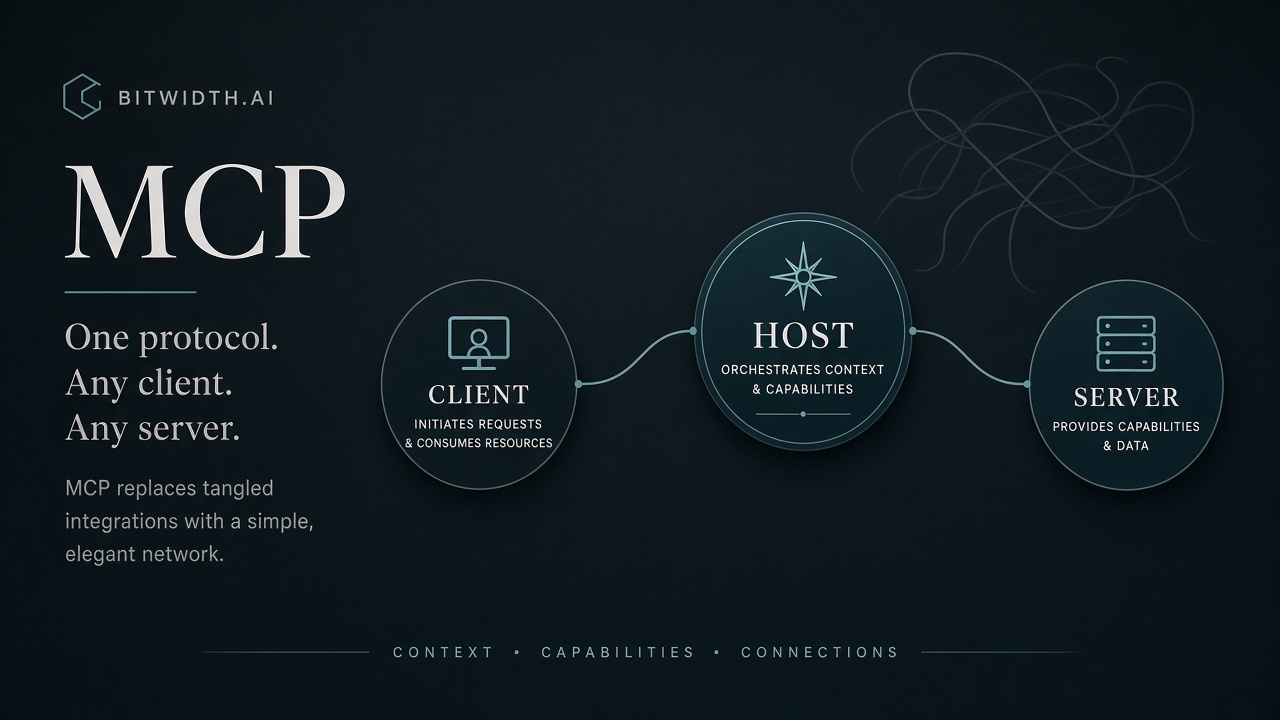
The harness guides showed that an agent's power comes from the tools and data it can reach. The Model Context Protocol (MCP) is the open standard that makes those connections consistent. It was introduced by Anthropic in November 2024 and later placed under independent governance (the Agentic AI Foundation). 1 5 This guide explains what it is, how it works, and why it helps you.
The problem MCP solves
Before MCP, every pairing of an AI app with an external system needed its own custom integration. With N apps and M tools, that's N×M pieces of bespoke glue to build and maintain. MCP replaces that with a single standard interface: build a connector once, and any MCP-capable app can use it. 2
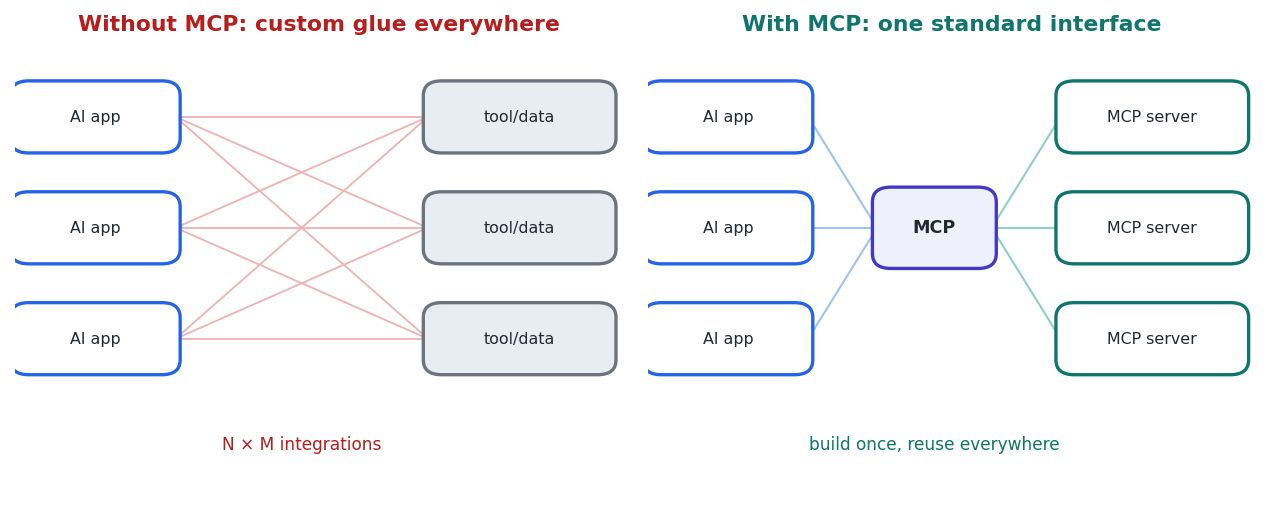
Figure 1 — MCP turns a tangle of custom integrations into one reusable standard (often likened to “USB-C for AI”).
How it works: host, client, server
MCP uses a client–server architecture with three roles:
- Host. The application you interact with — Claude Desktop, an IDE like Cursor, or your own agent. 3
- Client. Lives inside the host and manages a one-to-one connection to a single server; a host creates one client per server it connects to. 2
- Server. An external program that exposes capabilities to the model through the standard protocol.
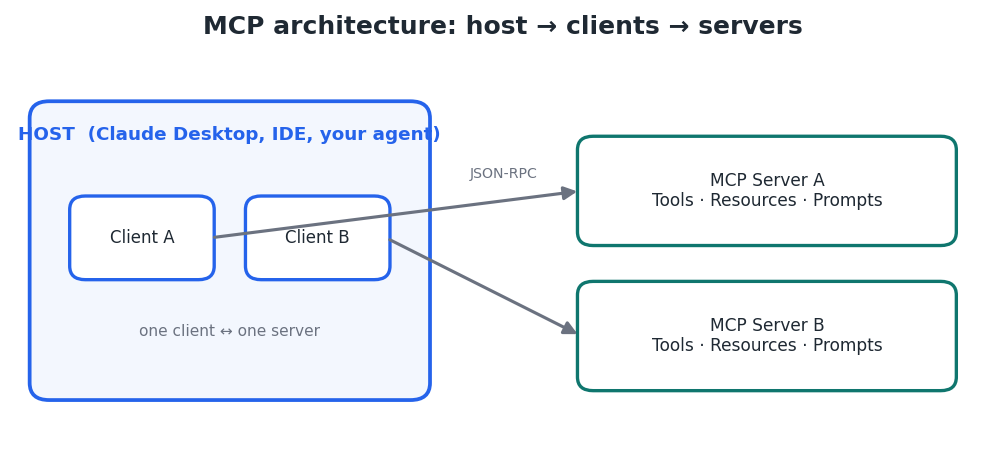
Figure 2 — A host runs one client per server; each server exposes tools, resources, and prompts.
What a server exposes
Every MCP server can offer three kinds of capability:
- Tools (model-controlled). Actions the model can call to do something — query an API, run a search, write a file. This is function-calling, standardized. 3
- Resources (application-controlled). Read-only data the model can reference by address, such as files, documents, or database rows — like GET endpoints, without side effects.
- Prompts (user-controlled). Predefined templates that package a common task so it runs the same way each time.
A request, step by step
- Connect. The host's client connects to a configured MCP server.
- Discover. The client asks the server what tools, resources, and prompts it offers, and gets back a described list. 2
- Invoke. When the model decides it needs a capability, the client sends a structured (JSON-RPC) request to the server.
- Execute & return. The server performs the work — e.g. calling a calendar API — and returns the result.
- Integrate. The host adds the result to the model's context so it can answer with fresh, real data. 4
Servers can run locally and talk over standard input/output (stdio), or run remotely over streaming HTTP — so the same protocol covers a script on your laptop and a service across the internet. 3
How MCP helps you
- Connect your agent to your world: files, notes (e.g. an Obsidian vault), databases, and SaaS APIs through ready-made or custom servers.
- Reuse across apps: one server works with any MCP-capable host, so effort isn't locked to a single tool. 2
- Grow a local setup safely: add capabilities to a local agent without hard-coding integrations, keeping clear boundaries between components. 4
A word on safety
Because servers can take real actions and reach real data, they must be treated with care — trust the servers you connect, limit their permissions, and confirm consequential actions. That is exactly what the next guide, on guardrails, addresses.
Key takeaways
- MCP is an open standard (Anthropic, Nov 2024) for connecting AI apps to external tools and data. 1 5
- It uses host → client → server, with each client holding a 1:1 connection to one server. 2
- Servers expose tools (actions), resources (data), and prompts (templates) over JSON-RPC, via stdio or HTTP. 3
- Build a connector once and reuse it everywhere — and mind permissions, since servers can act for real.


